 Livewire
Export your drawing
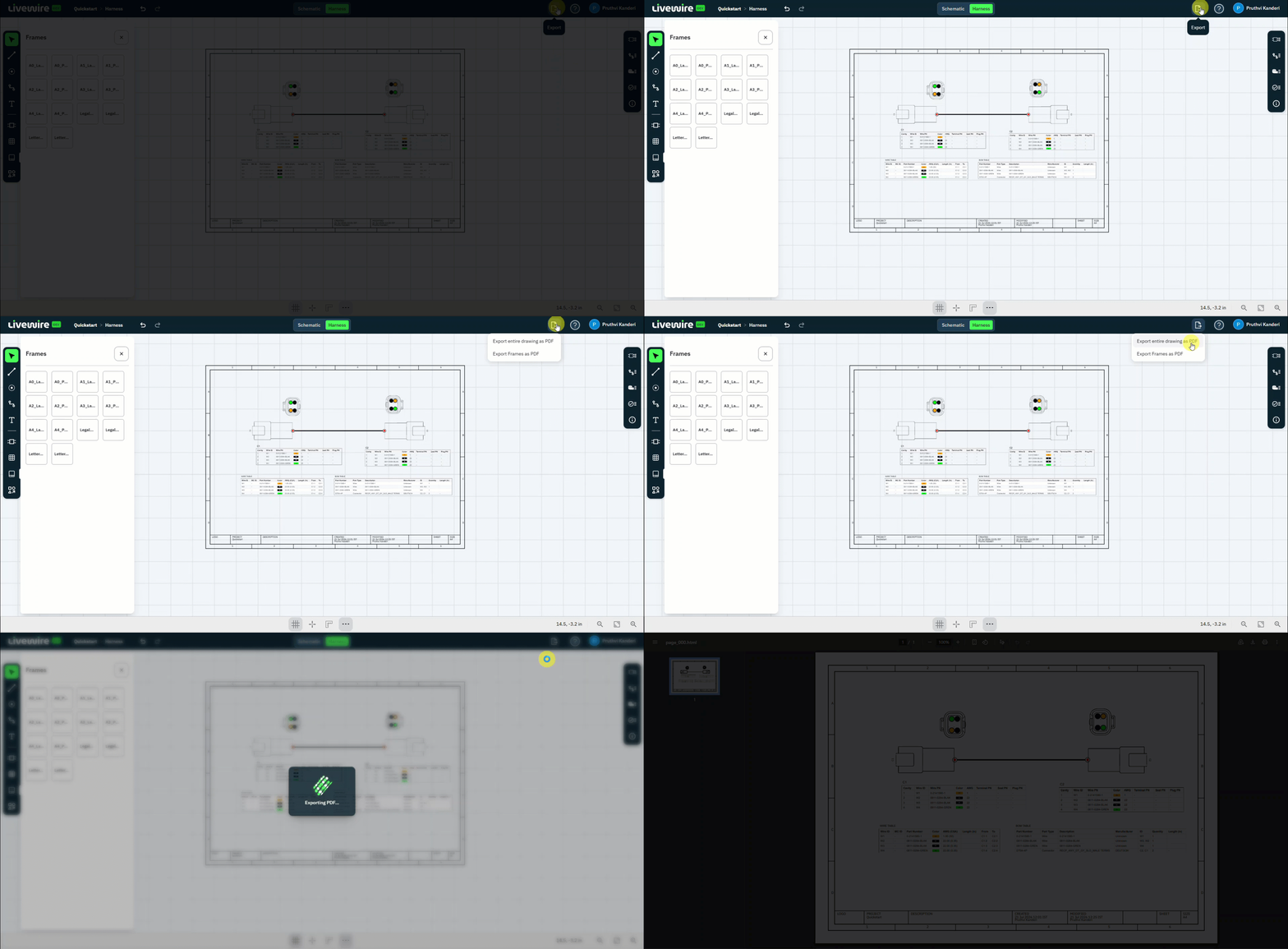
Finish up. Export the whole drawing — connectors, harness, and manufacturing tables — as a single PDF ready to share.
What to do
follow along above-
Open Export
Click Export.
-
Export as PDF
Select Export entire drawing as PDF to save the full drawing to a single file.
You're all set
You've taken a design from an empty canvas all the way to a shareable PDF. Here's everything you built:
- 01 Designed a schematic
- 02 Added wires
- 03 Assigned wire data
- 04 Laid out the harness
- 05 Added manufacturing tables
- 06 Exported to PDF